
ID: com.pdaxrom.cctools
Version: 1.19
File Size: 2.6Mb
CCTools Screenshots

CCTools Details
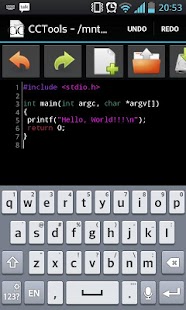
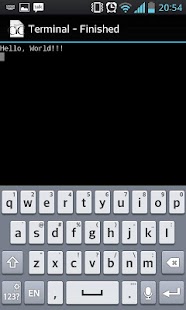
CCTools is native IDE for Android devices. It includes C/C++/Lua/Fortran/GNU Makefile source code editor with syntax highlighting and complete android gcc toolchain for arm/mips/x86 devices. Console applications and native activity applications are supported. To execute Lua scripts, please install LuaJIT from Add-ons (Menu-Add-ons). To use fortran, please install gfortran from Add-ons.Please, remove CCTools-free application (if installed) and CCTools/backup directory from SD card before installation!
If the compiler after update still the old, remove the CCTools/backup directory from SD card and restart the application.
Toolchain, support files and examples will downloaded and installed on first start. Required minimum 66MB(for Clang C/C++) on the application's storage and 30MB on the internal SD card.
SDL plugin for CCTools https://play.google.com/store/apps/details?id=com.pdaxrom.cctools.sdlplugin
Please send your feedbacks, bugs, installation problems to email: mailto://sashz@pdaXrom.org
gcc toolchain sources: http://tools.android.com/overview/ndk-git
Fix for Acer Iconia Tab users with official firmware 4.0.3: install add-ons acer-a200-ics403-libc-fix
Fix for some firmwares <= 2.3.3: android-pre-233-libc-fix_2.3.2
Features of CCTools 1.19
CCTools- Build Android and Java projects from toolbar or menu.
- Fixed installation from local repository.
Repository
- Android 19+ uses PIE repository by default (if you still get 'pie' error, remove CCTools/backup directory from SD card and reinstall application).